
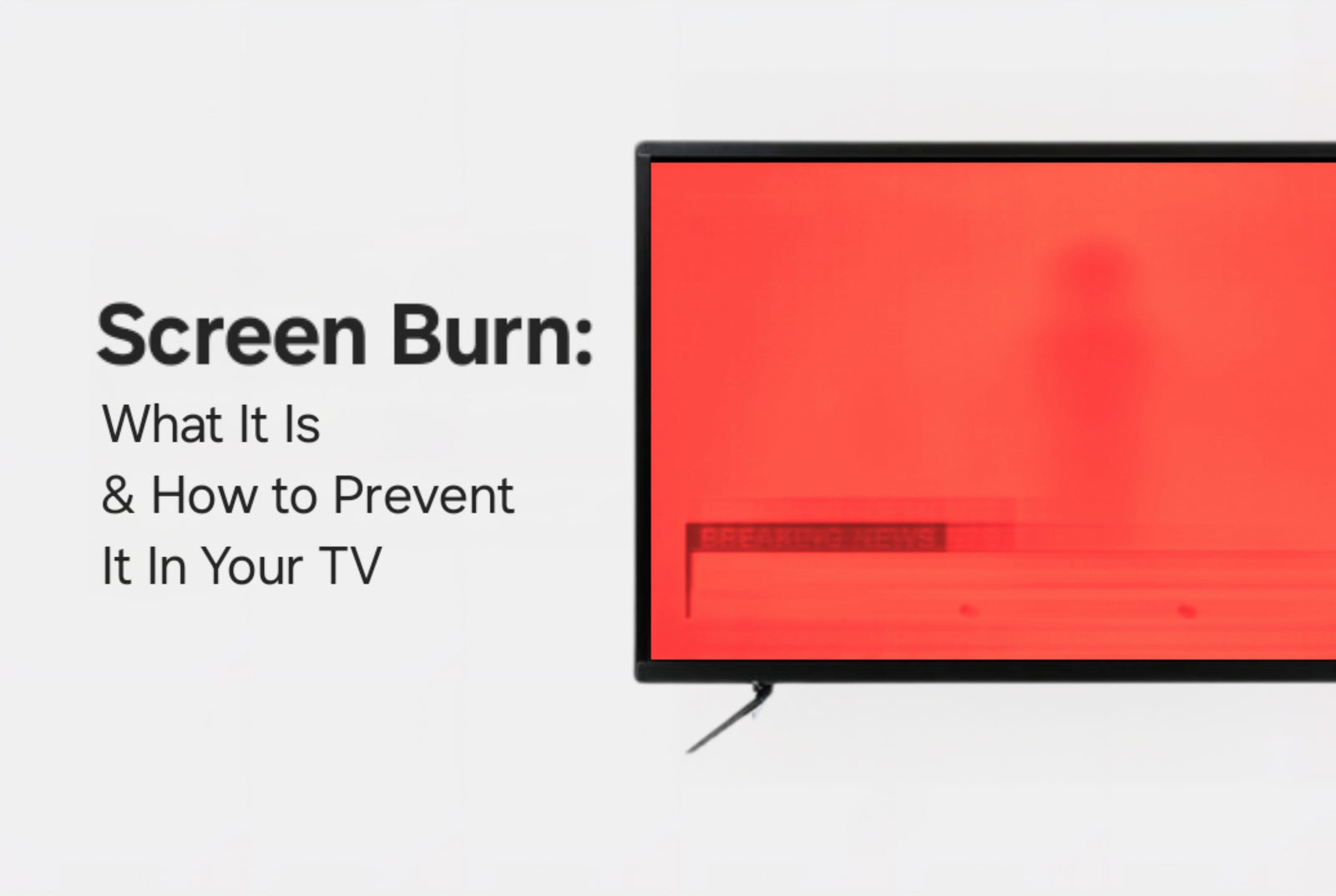
TV burn-in isn’t just an urban legend, it’s a real issue for certain display types, especially OLED and QD-OLED televisions. While plasma TVs were once the primary culprits, they’ve become increasingly rare in today’s market. That means the modern burn-in conversation centers around newer premium display technologies.
OLED and QD-OLED screens are known for their deep blacks, vivid colors, and razor-thin designs - but they also require more attention when it comes to preventing static image retention. Don’t worry, though - we’re here with all the best tips (and a few tricks) to help you keep your screen in pristine condition.
1. Avoid Static Images
Why it matters: Burn-in happens when static images - like news tickers, logos, or video game HUDs - stay on screen too long and permanently mark the pixels.
Tips to prevent it:
- Avoid leaving paused content on for extended periods.
- Be cautious with cable channels that always show a static logo.
- Switch up your games or hide the HUD when possible.
TVpartsToday Tip: Watching a channel with a logo? Hit the zoom/stretch function occasionally to move the logo’s location on screen. Even small changes help!
2. Enable Pixel Shift & Screen Savers
Why it matters: Many OLED TVs come with pixel shifting or screen saver features that slightly move the image or activate animations when idle.
How to use:
- Enable Pixel Shift in the settings menu.
- Turn on screen savers or "screen shift" modes.
These subtle adjustments prevent pixel wear in high-risk areas.
3. Keep Brightness & Contrast Under Control
Why it matters: Overdriven brightness and contrast can accelerate burn-in by overstimulating individual pixels.
Smart settings include:
- Lowering the OLED Light, Contrast, or Peak Brightness settings.
- Turning on Eco Mode or Ambient Light Detection.
TVpartsToday Tip: If your TV has a "Cinema" or "Movie" picture mode, use it! These modes are not only easier on the eyes - they’re easier on your screen too.
4. Use Auto-Dimming or Logo Protection Features
Why it matters: Auto-dimming features reduce brightness in areas where static images are detected, like TV menus or channel logos.
Features to look for:
- Logo Luminance Adjustment
- Automatic Brightness Limiter (ABL)
These settings usually work in the background but can be manually enabled or adjusted in your settings.
5. Rotate Content Regularly
Why it matters: Burn-in is all about repetition. Rotating content reduces the stress on individual pixels.
How to do it:
- Mix up your streaming services and apps.
- Don’t always play the same game with the same interface.
- Alternate between light and dark-themed content.
TVpartsToday Tip: Using your OLED for background ambiance (like fireplaces or aquarium loops)? Switch to a dynamic screensaver every few hours.
6. Use Your TV’s Pixel Refresher Tools
Why it matters: Many OLED and QD-OLED TVs include built-in pixel refreshers or panel maintenance utilities.
Names to look for:
- Pixel Refresher (LG)
- Panel Refresh (Sony)
- Pixel Cleaning Mode
These tools recalibrate the screen and help remove early-stage image retention before it becomes permanent.
But What If It’s Not Just the Panel?
Believe it or not, in some cases, burn-in symptoms might not be from the panel at all - they may be caused by a failing or partially damaged T-con board (Timing Control board).
If you're seeing:
- Persistent image ghosts even after running pixel refresher tools
- Color distortion or horizontal lines
- Issues affecting only part of the screen
…it’s possible the T-con board is misfiring or stuck in a state that mimics burn-in. In these cases, replacing the T-con board might actually resolve the problem and breathe new life into your screen.
TVpartsToday Tip: If you’ve done all the usual OLED maintenance but the issue persists, reach out to us! We’ll help you diagnose whether it’s your screen - or your T-con - that needs replacing.
Final Thoughts: Burn-In is Preventable!
While plasma TVs have mostly disappeared, OLED and QD-OLED TVs are now where burn-in is a real concern. But with just a little mindfulness and a few simple tweaks, your display can last for years without permanent image retention.
Need Help?
If you’re still unsure about the issue or need to replace a part, reach out to TVpartsToday. We can help you identify the exact cause of the problem and provide the right replacement part!
Would you rather watch a video? Check out our helpful Troubleshooting 101 playlist over on YouTube!
Would you rather chat with a seasoned repair expert? Head on over to our TVRepairHelp subReddit!
Need help finding the right board or part?
Call us at 930-212-1975 or browse our inventory online.
DIY-friendly parts, fast shipping, and expert support – only at TVpartsToday.