
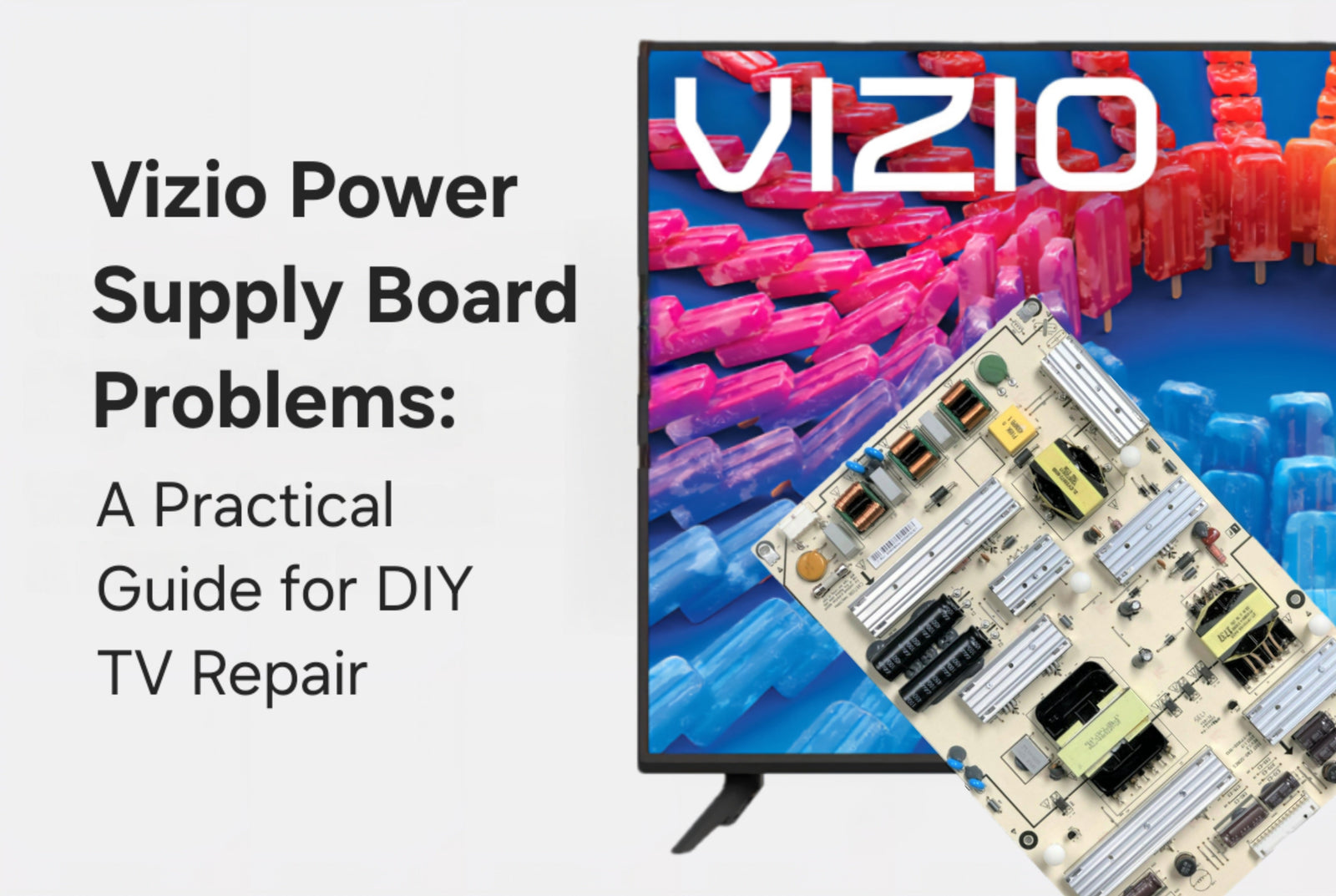
When a Vizio television begins shutting off unexpectedly, refuses to turn on, loses its picture, or behaves inconsistently, the issue is often linked to either a simple connection problem or a developing fault within the Vizio power supply board. Before assuming an internal board has failed, it is important to work through basic setup checks that can rule out external causes and help you narrow the problem more accurately.
Here is an example of a Vizio power supply board:

Begin by confirming that the TV’s power cord is firmly seated in both the television and the wall outlet. Even a slight looseness can interrupt voltage flow and prevent the television from powering up. Make sure the outlet is working by testing it with another device. Damaged connectors or partially inserted cables can create symptoms such as intermittent power. Once these foundational items have been reviewed, restart the TV and monitor for improvement.
If you prefer visual guidance, our YouTube video on power supply replacement shows how simple the internal repair process can be:
Performing a Power Cycle and Reset on Vizio TVs
Vizio televisions often respond well to a comprehensive power reset, especially when dealing with image loss, startup problems, or standby-related glitches. To complete a full power cycle, disconnect the power cord and allow the TV to sit for at least sixty seconds. While it is unplugged, press and hold the physical power button on the TV for thirty seconds. This step discharges stored energy from the Vizio power supply board and clears temporary lockups. Plug the TV back in and test it once more.
If the television still fails to load menus or remains unresponsive, a factory reset may be required. Reset instructions vary by Vizio model, so refer to the owner’s manual if you cannot access the on-screen menu. If the picture is not visible, a temporary streaming device may be connected to help navigate the settings.
Identifying Vizio Backlight Problems
A common symptom of backlight failure in Vizio TVs is a completely dark screen while audio continues. To evaluate whether the backlights are still operating, turn off the room lights and shine a flashlight diagonally against the display. If you can faintly see images, the issue is likely related to the backlight strips, the LED driver, or the portion of the Vizio power supply board responsible for delivering proper voltage to the lighting system. Depending on the model, the LED driver may be integrated into the power supply itself or exist as a separate board.
Recognizing Symptoms Related to the T-Con Board
Although the Vizio power supply board is a common source of no-power conditions, issues such as distorted images, visible lines, frozen frames, or a picture that never appears despite a functioning backlight typically point toward the T-Con board. The T-Con manages panel timing and image synchronization, and failures often present as visual abnormalities rather than total shutdowns. After safely removing the back cover, check that the ribbon cables between the T-Con and panel are seated correctly. Inspect the board for discoloration or heat damage. Voltage tests should only be conducted if you are comfortable using proper electrical testing equipment.
TVpartsToday Tip: When handling internal boards, use anti-static precautions and avoid touching exposed circuitry unnecessarily. Some components can retain charge even after the TV is unplugged.
Knowing When Professional Help Is Needed
If your Vizio TV continues to show symptoms such as black screen with sound, loss of power, flickering, or partial image after completing all basic troubleshooting steps, you may benefit from a professional diagnosis. Choose a technician familiar with Vizio televisions and obtain a repair estimate before committing to a service appointment. If the TV is still covered by manufacturer warranty, avoid opening the unit until warranty options are reviewed, as doing so may void coverage.
Frequently Asked Questions
Why does my Vizio TV have sound but no picture
This usually indicates backlight or LED driver failure, though it can also involve the portion of the Vizio power supply board that powers the backlight circuits. Use the flashlight test to narrow the issue.
How do I perform a factory reset on a Vizio TV
Open the TV’s settings menu, navigate to System or Reset and Admin depending on your model, and select the factory reset option. If the display is not visible, connect a temporary streaming device to help access menu functions.
If your troubleshooting leads you to believe that your Vizio power supply board, T-Con board, or LED driver may be faulty, TVpartsToday is here to help. We carry a full selection of replacement components for Vizio televisions and can assist you in identifying the correct part number for your specific model. Contact our team for part verification or repair guidance, and we will ensure you select the correct replacement to restore your TV’s performance.
Need Help?
If you’re still unsure about the issue or need to replace a part, reach out to TVpartsToday. We can help you identify the exact cause of the problem and provide the right replacement part!
Would you rather watch a video? Check out our helpful Troubleshooting 101 playlist over on YouTube!
Would you rather chat with a seasoned repair expert? Head on over to our TVRepairHelp subReddit!
Need help finding the right board or part?
Call us at 930-212-1975 or browse our inventory online.
DIY-friendly parts, fast shipping, and expert support – only at TVpartsToday.